





















Buying Your First Embroidery MachineFirst Embroidery Machine
A simple guide to understanding embroidery machines before you buy
Welcome
Machine embroidery is when a sewing machine stitches a picture or design onto fabric using thread — automatically, without you drawing or hand-sewing it. You pick a design already saved as a computer file, load it onto the machine, and the machine moves the fabric itself while it stitches, color by color.
This guide explains what a home embroidery machine actually does, walks through the handful of things that make a first project succeed or fail, and gives you what to look for so your first purchase is one you're happy with.
What You'll Learn
- How machine embroidery is different from regular sewing.
- Why hoop size is one of the first numbers to check.
- The difference between an embroidery-only machine and a combo machine.
- What design files are and where they come from.
- What ongoing supplies you'll need beyond the machine itself.
- What to look for, specifically, in a beginner-friendly first machine.
What Is Machine Embroidery?
Regular sewing means you guide the fabric yourself to stitch a straight seam. Machine embroidery works differently: you stretch your fabric tight in a plastic frame called a hoop, load a design file (often from a USB stick), and press start. The machine steers the hoop by itself, following the design file's instructions, while the needle stitches — you mostly just watch and change thread color when it asks.
Things Worth Knowing Before You Buy
These four things decide whether your first project comes out looking crisp and professional, or puckered and disappointing.
| Thing to know | What it means for you | Example |
|---|---|---|
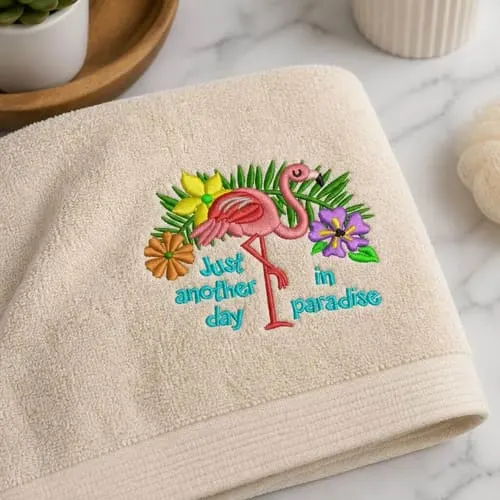
| Hoop size | The biggest single design you can stitch in one pass. | A 4x4 in. hoop fits a name on a towel; an 8x8 in. hoop fits a design across a jacket back. |
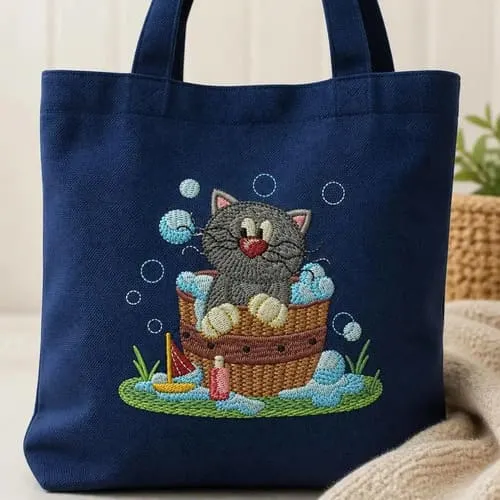
| Machine type | Whether the machine only embroiders, or also sews regular seams. | A combo machine can embroider a logo on a tote bag, then sew the bag's side seam shut. |
| Design files | The digital recipe that tells the machine what to stitch. | A cartoon character file for a kid's backpack, or a script font for monogramming towels. |
| Ongoing supplies | Thread and stabilizer, the backing that keeps fabric from puckering. | A stiff tote bag and a stretchy t-shirt each need a different stabilizer. |
Hoop Size
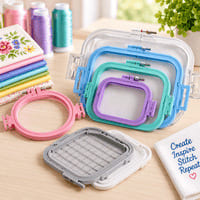
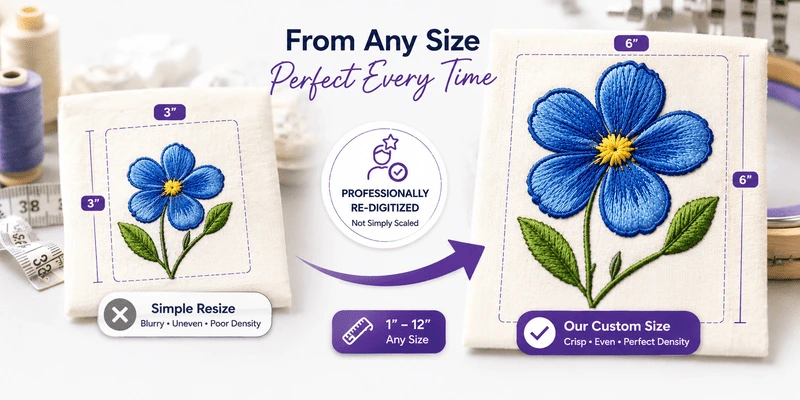
The hoop holds your fabric tight and steady while the machine stitches. Whatever fits inside it is the biggest single design you can stitch in one pass. A small hoop, around 4x4 inches, is fine for a name on a towel corner or a small flower on a shirt pocket. A larger hoop, 8x8 inches or more, lets you stitch bigger projects, like a full design across the back of a jacket. If you only picture small monograms, a small hoop saves money; if you're picturing big statement pieces, look for a machine that supports a bigger hoop, or one you can add later.
Embroidery-Only vs. Combo Machines
Some machines only stitch designs. Combo machines also sew regular seams, hems, and buttonholes. Picture embroidering a cute design on a tote bag — the bag still needs its side seam sewn shut, which a combo machine can also do. If you can picture ever hemming curtains or patching jeans, a combo machine means you won't need a second machine later.
Design Files
The machine doesn't know what to stitch until you give it a design file — think of it as a recipe the machine follows. Machines come with a handful of designs built in, like basic flowers or a simple alphabet. Beyond that, you can buy or download more, similar to buying an ebook: a cartoon character for a kid's backpack, a sports logo, or a fancier script font for monogramming towels.
Ongoing Supplies: Thread and Stabilizer
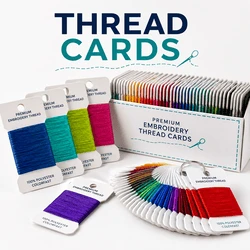
Thread is the obvious supply — you'll swap spools as the design changes color, the way a printer swaps ink. Stabilizer is less obvious: it's a thin sheet placed behind your fabric inside the hoop to keep it from puckering while it's stitched. A stiff tote bag needs a different stabilizer than a stretchy t-shirt — using the wrong one is the most common reason a first project comes out wrinkled instead of flat. Both are inexpensive, but budget for them alongside the machine.
Choosing Your First Machine
- Decide embroidery-only or combo. If you'll ever want to sew a seam or hem, get a combo machine.
- Pick a hoop size you'll actually use. 4x4 inches covers most beginner projects; go bigger only if you already have big projects in mind.
- Check how designs load onto it. Look for a USB port and a screen that previews the design before stitching.
- Favor a well-supported brand. Brands like Brother and Janome are common starter picks with wide community and customer support.
- Budget for supplies, not just the machine. Set aside money for thread, stabilizer, and a few starter design files.
- Test-stitch before you commit to a big project. Try one small, simple design first so you learn hooping and threading before tackling something ambitious.
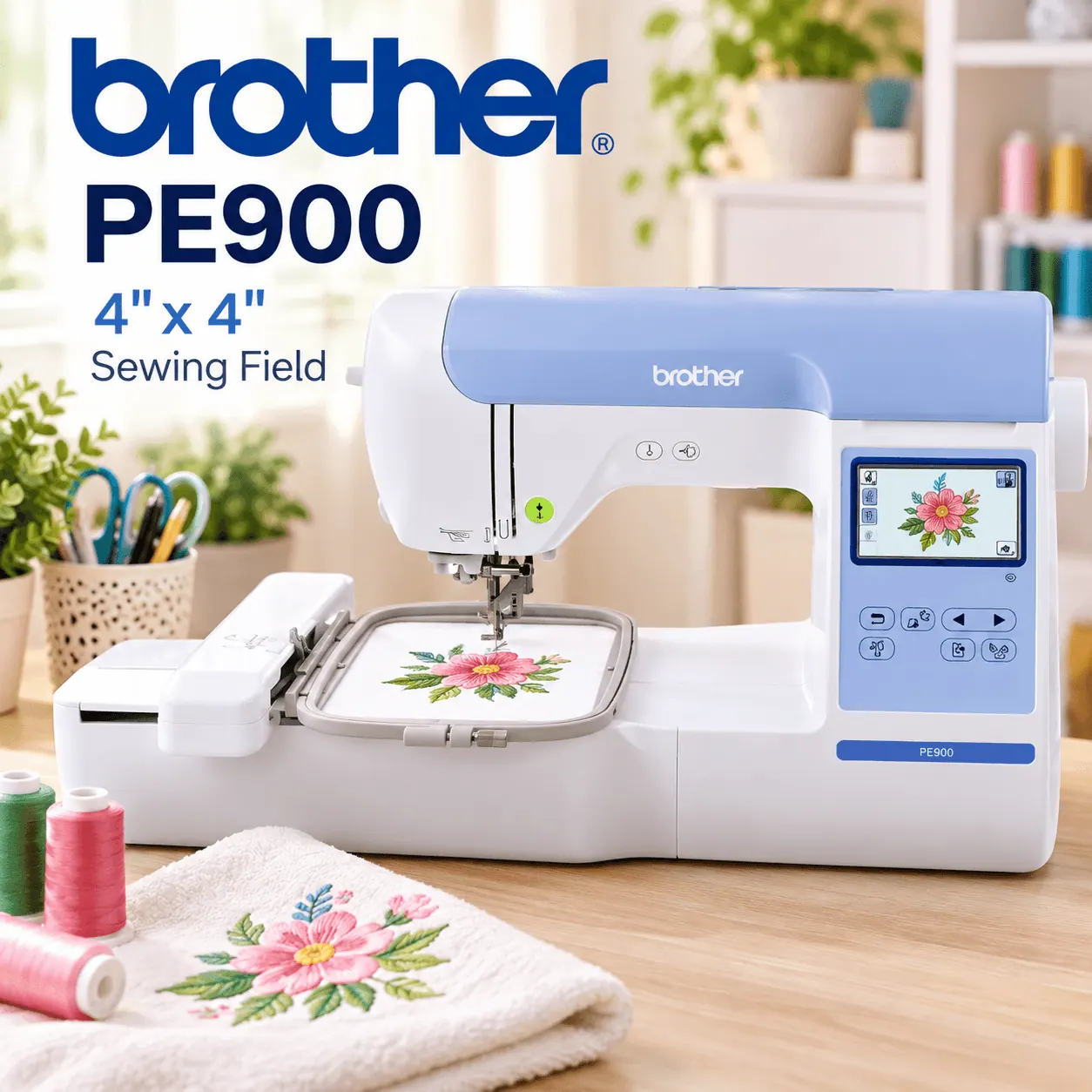 Brother PE900
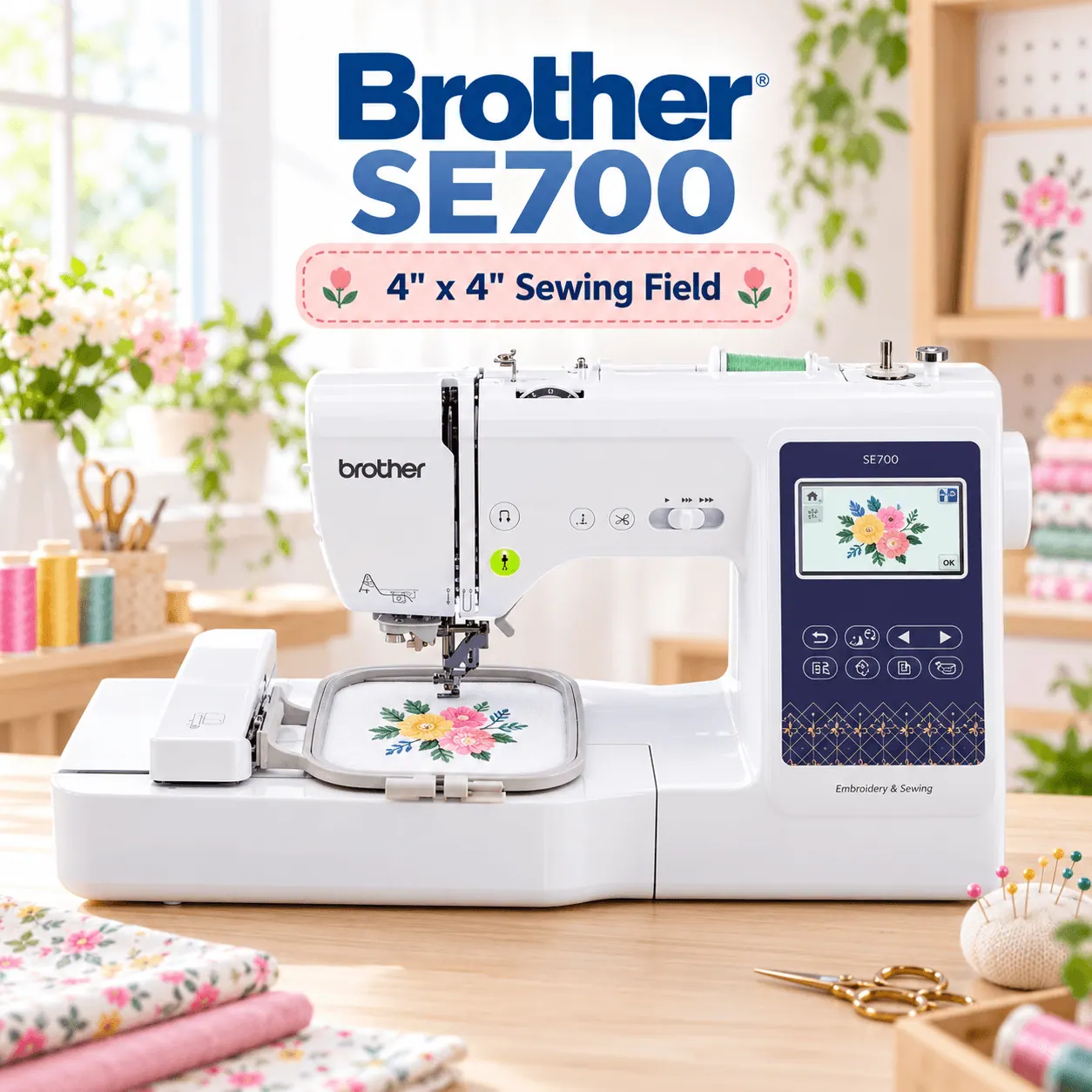 Brother SE700
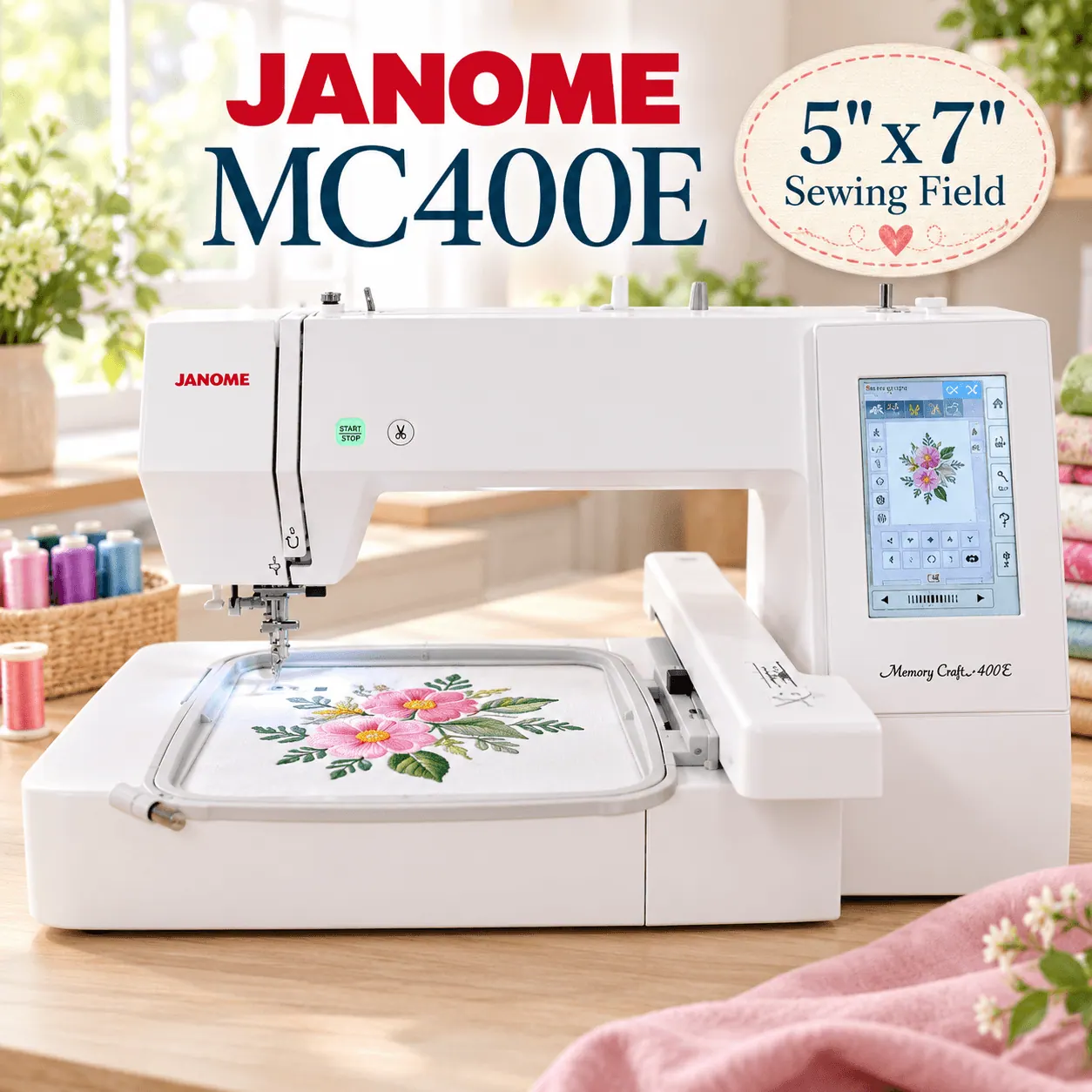 Janome MC400e
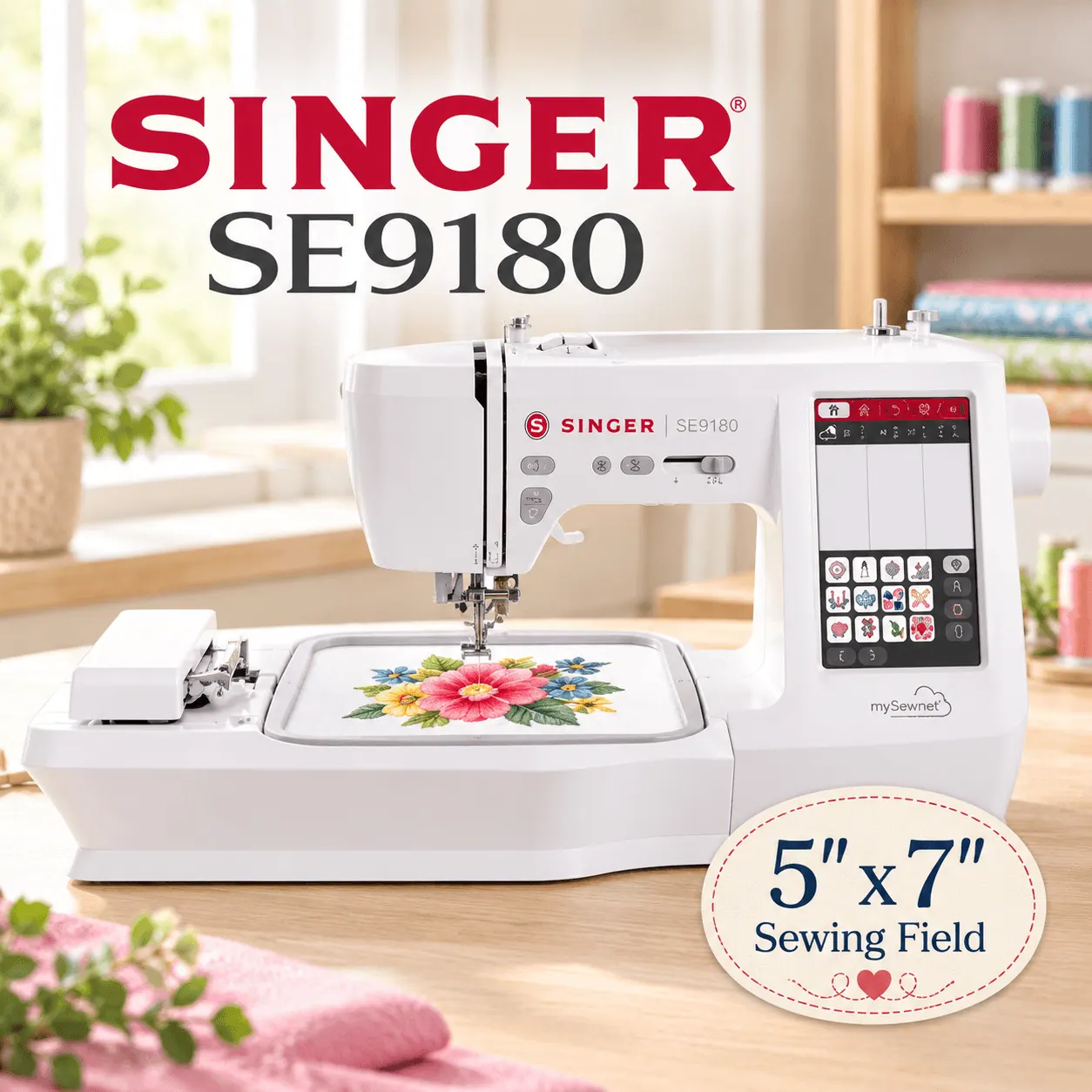 Singer SE9180
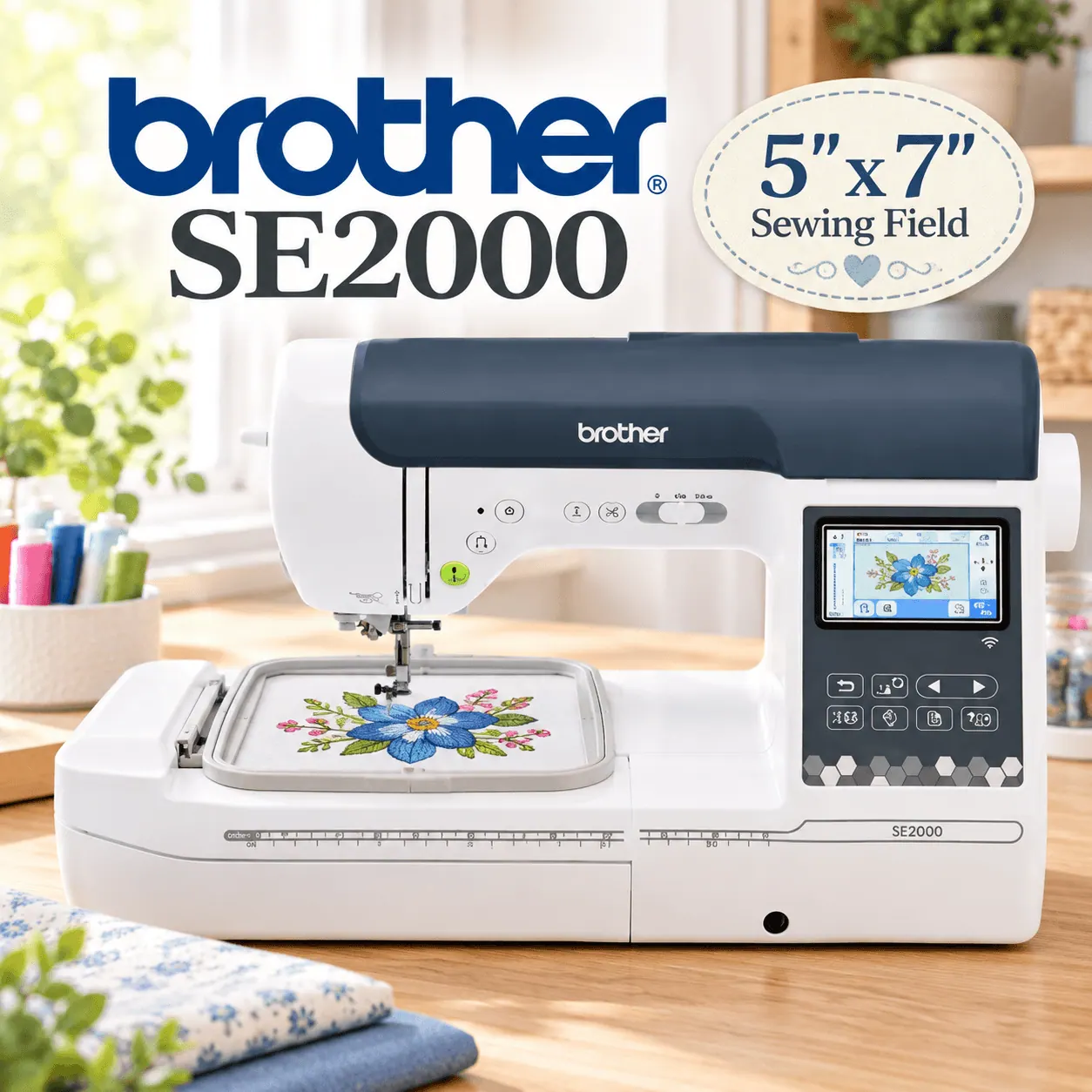 Brother SE2000
Conclusion
The safest way to choose a first embroidery machine is to start with how you'll actually use it: whether you also want to sew seams, how big your designs will typically be, and how much you're willing to spend on supplies beyond the machine. Get those basics right, and your first machine will feel less like a mystery and more like a new hobby you can't wait to get back to.
No. The machine does the stitching motion for you; you mainly handle hooping fabric and choosing designs.
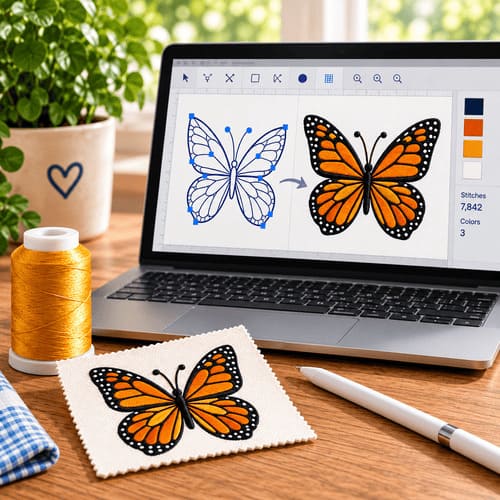
Yes, with separate design software, but most beginners start with ready-made designs and add that later.
Not necessarily. Bigger hoops cost more and are heavier to move. Match the hoop to the projects you actually plan to make.
Plan for an ongoing, modest budget for thread, stabilizer, and occasional design purchases — small compared to the machine itself.