
























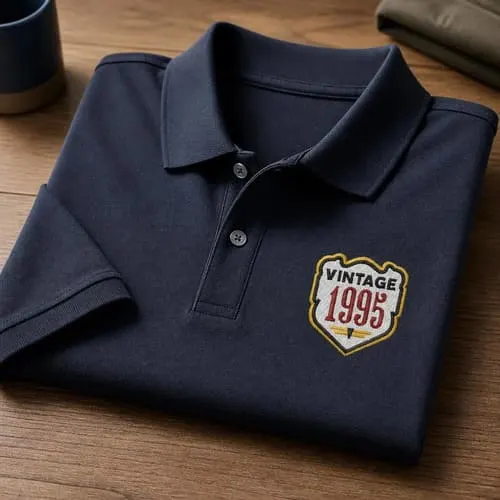
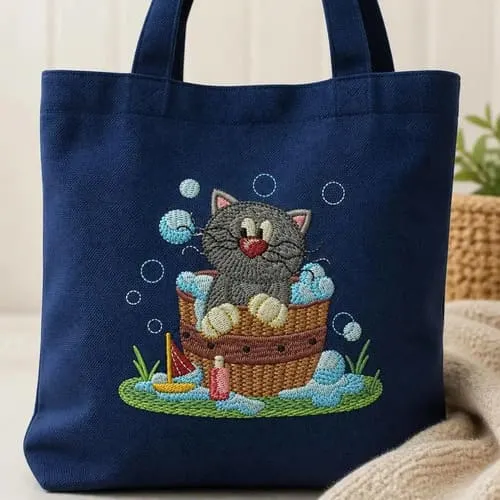

Download FLORIANI TOTAL CONTROL U EMBROIDERY SOFTWARE by Floriani. Explore machine embroidery & quilting software at EmbroideryDesigns.com. Free demo downloads available.

Remove this design from your wishlist?
Add to Wishlist
No lists yet. Create one below.
Watch This Design in Action
Also Available In
Design Tools & Services
Tools and Services


*Subscriptions are billed in full as one payment
Found Lower Price
Share the details and we'll review it.
|
Free Shipping is to the continental USA unless otherwise stated. United States Shipping - UPS Ground or USPS Parcel Post All shipping to United States addresses is sent via UPS Ground, UPS Second-Day Air,or USPS (United States Parcel Post). When you choose one particular service in our shopping cart, you will receive a real-time shipping quotation, as well as an indication of the delivery time for each item in your order. Tracking numbers are available with UPS Ground and UPS Second-Day Air. In some cases, we may substitute FedEx Ground for UPS Ground, in which case you will receive a FedEx tracking number instead. |
Unlock More with Bundles
FLORIANI TOTAL CONTROL U EMBROIDERY SOFTWARE Added to Cart
We have curated starter packs of BX fonts and design collections that pair perfectly with this software. Explore bundles to get everything you need in one place.
Full Digitizing Tool suite including:
Magic Wand
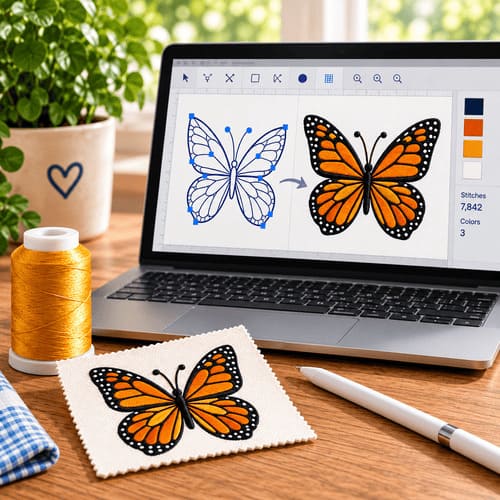
Auto Digitizing Wizard
Create Manual, Run, Satin, Fill
Applique
Photo Stitches
Specialty fills inlcuding:
Wave Gradient
Color Blend
Pattern Fill
Lace Fill
Stippling
Font/Lettering features inlcuding:
Font Manager
Font Improter
Word Play
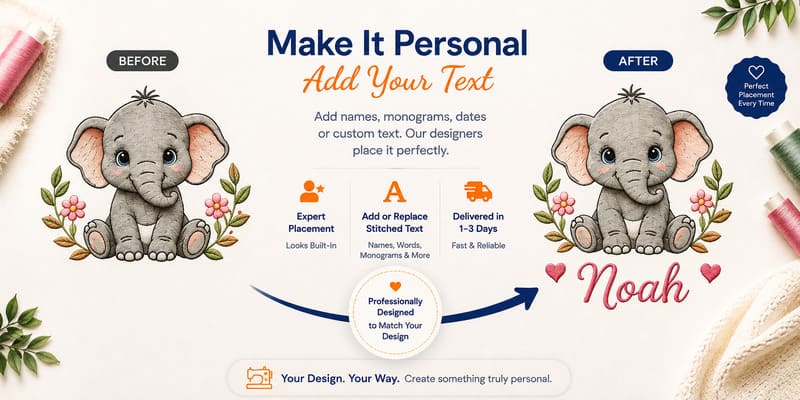
Name Drop
Editing Features inlcuding:
Edit Density/Underlay/Pull Compensation
optimize sequence
modify start/end
Edit stitch points
Save 2 Sew
Support:
Includes access to Software Club with training and support materials.
Free upgrades!
- DIGITIZING TOOLS:
- Wave Gradient Fill Patterns
- Wave Color Blend Patterns
- Apply Template Layouts to designs
- Create Name Drops
- Create Button Hole
- Advanced Font upsize warning system
- Enhanced Split Designs
- True Type Text Fonts
- Text on Path
- Single Line Satin Input Method
- Convert Images to Vector Artwork
- Wave Fill Pattern
- Enhanced 11 fonts Closest Point Connect Fonts
- Redwork Tool
- Inside-Out text feature (for caps or jacket back lettering designs)
- Artwork tool (create vector artwork that can be exported or converted into stitches)
- Cross Stitch Tool
- Auto Digitizing Wizard (work with vector and image files)
- Segmented Auto Digitizing for user controlled auto digitizing
- Manual digitizing
- Mulitple stitch types (manual, run, satin, steil, fill, applique, cross stitch)
SPECIAL FEATURES:
- Enhanced Save2Sew – automatically adjusts design density, underlay, and compensation based on fabric type selected
- Photo Stitch Wizard
- Add ZigZag, Wave, Twirl, Pinch, and Spherize Distortion to objects
- Enhanced Create custom emboss/fancy fill patterns
- Create Outline Feature
- Color Blending Feature
- Create custom motif patterns
- Design library (drag and drop onto design page)
EDITING FEATURES:
- Slice Tool for splitting one artwork element into multiple elements
- Optimize Entry/Exit points (automatically rearranges entry/exit points for design optimization)
- Optimize design sequence (automatically rearranges design sewing sequence for optimal sewing sequence)
- Color Sort tool for rearranging a design by color
- Convert between stitch types
- Unlimited redo/undo
- Resize with stitch regeneration
- Alignment tools/functions
- Transform designs/objects
- Re-sequence object in Sequence manager
- Break apart text for additional editing capabilities
- Modify start and end points of design elements
- Modify stitch direction/angles in design elements
- Modify element shape with node editing
- Change density, underlay, underlay settings, compensation, stitch lengths
- Resize, rotate, and distort lettering
- Edit individual stitch points
- Add and Delete individual stitches
- Change node type/properties
VIEW TOOLS:
- Apply fabric texture background to design page
- Enhanced Adjustable grid settings (lines or dots)
- Ruler – measure design elements
- Fade objects
- Zoom in and out using mouse scroll
- Image fading
- 3D replication of embroidery design
- Customizable software layout
- Slow redraw – simulated stitch sewout
- Floating or docking toolbars
- Custom user-created guidelines
- Select/hide objects
- Select/hide by thread color sequence
- View stitch ends
- View design sequence
Formats Supported Include:
Floriani Files (WAF), Baby Lock/Brother/Bernina (PES), Elna/Janome/Kenmore (SEW), Elna(EMD), Janome/Elna(JEF), Viking/Husqvarna (HUS), Pfaff (PCS), Tajima (DST), Singer/Poem (CSD), Singer (XXX), Melco(EXP), Viking D1 (SHV), Viking/Pfaff (VIP), Viking/Pfaff (VP3)
Image Files Supported:
JPG, BMP, TIF, GIF, PCX, PCT, TGA, PNG
Vector Artwork Supported:
WMF, EMF, AI, SVG
Minimum System Requirements:
• Genuine Intel Pentium IV, 2GHz PC computer (or higher), 64-bit processor, and 64-bit operating system, CD-ROM drive
• 17” or 21” monitor with 1024×768 video resolution with 16-bit color display (or higher)
• 1 gigabyte of RAM
• Microsoft® Windows® 10, 11
• Minimum 1 gigabyte hard disk drive space available
• Mouse
Shipping Estimates:
- — {{ est.price.amount | currency }}
Shipping Estimates:
- — {{ est.price.amount | currency }}
Shipping rates are estimates only. Final shipping will be calculated during checkout.
Bought Together
Customers often stitch these designs together — save when you add the bundle.
Bundle Total
Curated for you
Top Picks for You
More Items from This Brand
Design Packs Featuring This Design
This design is included in these curated collections — get more designs at a better price.
Project Tutorials Using This Design
Get inspired with step-by-step project tutorials that feature this design.


Brand Information

to view copyright information.
Related Searches
Copyright information
By licensing this design you agree to these terms:
This design is copyright protected by Floriani and may not be distributed, altered or unaltered in any format outside of EmbroideryDesigns.com or directly from Floriani. Items with this design(s) sewn onto the product may be sold commercially with limitation. You must have written consent to mass market items using this design. Floriani will not be held liable for any monetary losses or consequential damages as a result of using this design. Due to global piracy policies, no refunds are available for electronic data files of designs unless proven to be defective and cannot be corrected.
By licensing this design you agree to these terms:
This design is copyright protected by Floriani and may not be distributed, altered or unaltered in any format outside of EmbroideryDesigns.com or directly from Floriani. Items with this design(s) sewn onto the product may be sold commercially with limitation. You must have written consent to mass market items using this design. Floriani will not be held liable for any monetary losses or consequential damages as a result of using this design. Due to global piracy policies, no refunds are available for electronic data files of designs unless proven to be defective and cannot be corrected.