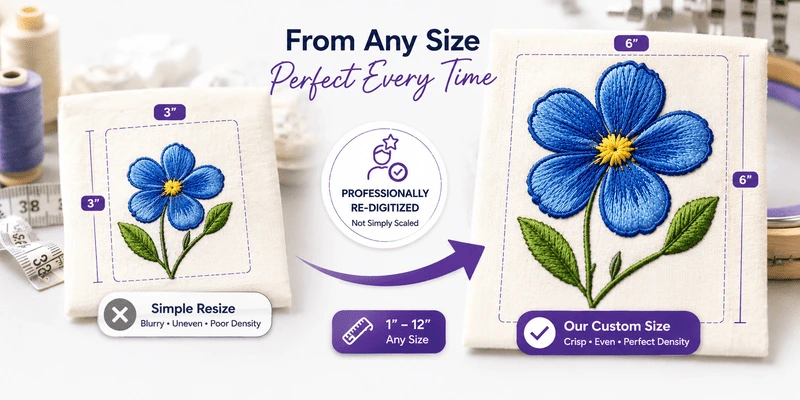
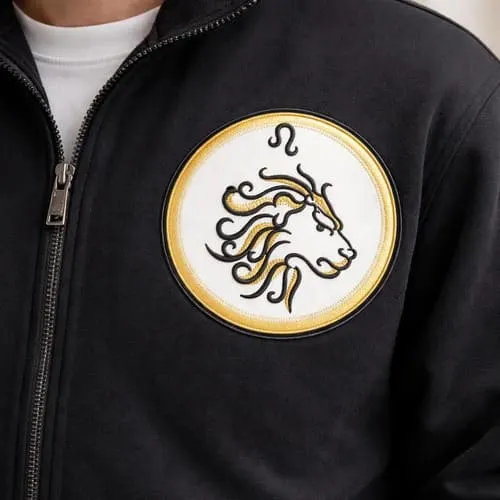
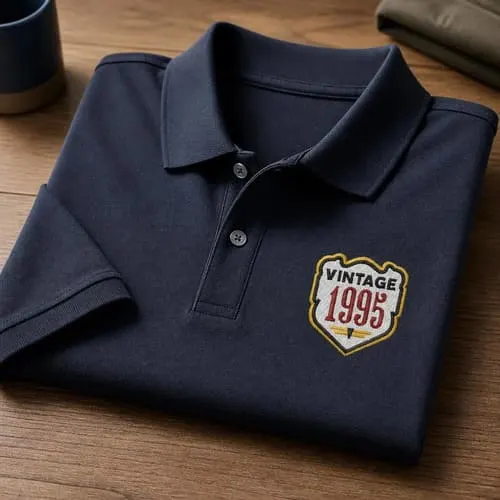
Border OptionsHugging border, circle, square, or rectangle — with a 3mm satin stitch.
Backing OptionsAvailable with iron-on, sew-on, or velcro backing.
Fast ShippingShipped quickly from the USA.
Free Online Tools
Powerful embroidery utilities that save time and prevent costly mistakes.
Stitch AssistantRECOMMENDED
Get the exact stabilizer, machine settings, needle, and thread color sequence for every embroidery design you purchase — based on that design's stitch density, dimensions, and color count.
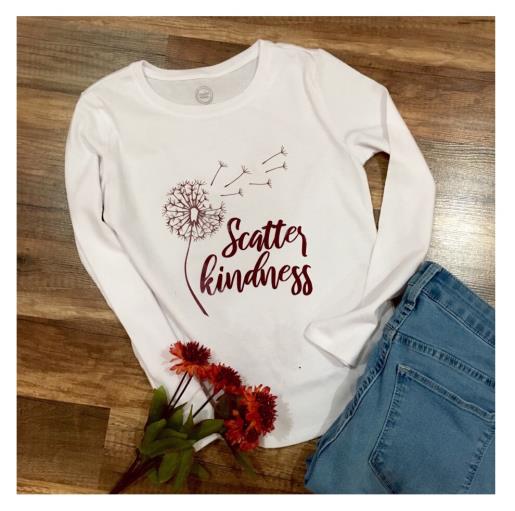
Embrace positivity with this 'Scatter Kindness' t-shirt featuring a charming dandelion design. Perfect for casual wear, it spreads a message of kindness and inspiration wherever you go. Step-by-step instructions are included.
Gather all supplies and review instructions before beginning.
(Click Image to Enlarge)
Step 2:
Bring into your cutting machines software program's design space the SVG file design. Cut and resize to fit application area of t-shirt. Measure the application area of your t-shirt. ( horizontally and vertically) A girl’s size medium t-shirt was used for this tutorial. Measurement of SVG design will be 7” x 8”. Mirror image per your cutting machine’s instructions. When using HTV the image needs to be flipped to a mirror image for cutting as you are cutting the image on the backside of the vinyl.
(Click Image to Enlarge)
Step 3:
Prepare HTV onto you cutting mat. Place clear (glossy side) liner side down onto the mat. Load mat into your cutting machine. Adjust your cut settings to iron on/HTV vinyl. Do a test cut. If needed adjust settings. Cut design image. Cutting complete. Weed cut vinyl for decal. Slowly remove unwanted vinyl leaving only cut images on clear liner.
(Click Image to Enlarge)
Step 4:
Set your iron to cotton/linen setting. Steam setting off. Center and position your cut image onto your t-shirt for placement. Place your pressing cloth on top . Sandwiching the cut decal between the pressing cloth and top of t-shirt. Apply medium pressure for 25-30 seconds on all areas/sections of cut image. Of if preferred refer to your HTV product application instructions. Optional: Flip shirt over and apply heat pressure for an additional 25-30 seconds.