{{superHeaderAds.title}}
Live Chat
Embroidery Designs
Welcome, Embroiderer
Login
Retro Font Monogrammed Denim Jacket
{{mainImageAlt || (productInfo._source && productInfo._source.name) || ''}}

Retro Font Monogrammed Denim Jacket Embroidery Project

By   Sew Chic   on   September 15, 2020

PROJECT DETAILS

SKILL LEVEL
Beginner
TIME REQUIRED
00:30
Description

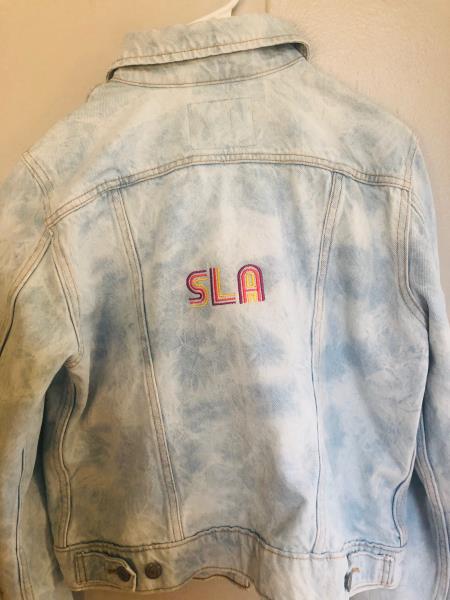
Monogrammed Denim Jacket with Retro Font Letters.

Project Preview Video

Materials
  • Denim Jacket 20-25 min
  • Brother PE800 Embroidery Machine
  • Embroidery hoop (4x4” or 5x7”)
  • One sheet of cut away stabilizer
  • Three spools of different color threads
  • Bobbin
  • Scissors

  • Designs used in this project


    Step 1:
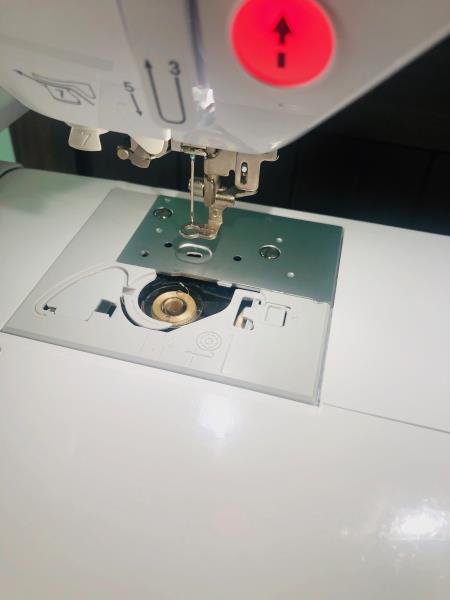
    Insert a prewound bobbin into the bobbin holder on the machine

    (Click Image to Enlarge)


    Step 2:
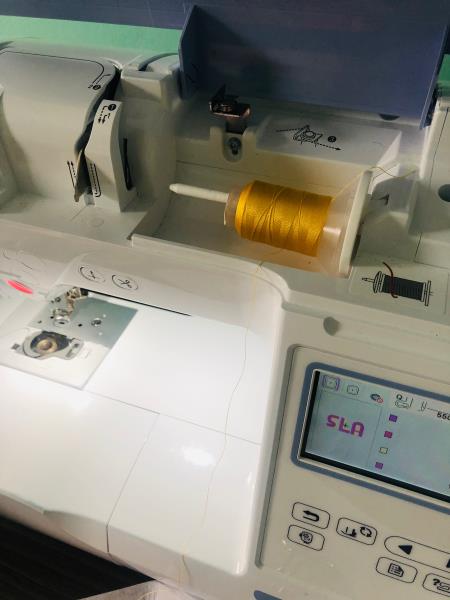
    Insert the first color thread into the machine and follow the arrows to thread the needle

    (Click Image to Enlarge)


    Step 3:
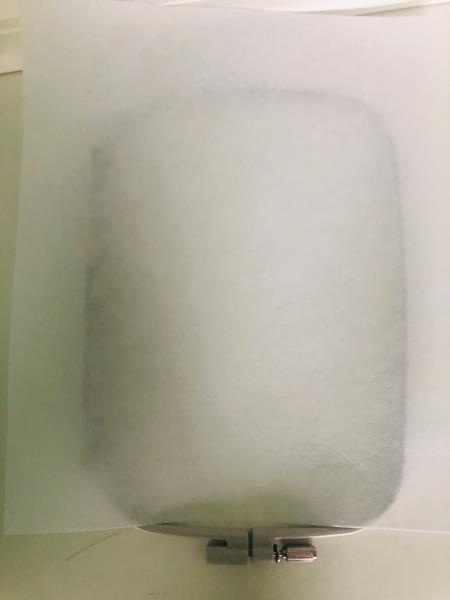
    Place the stabilizer on top of the bottom hoop, followed by the denim

    (Click Image to Enlarge)


    Step 4:
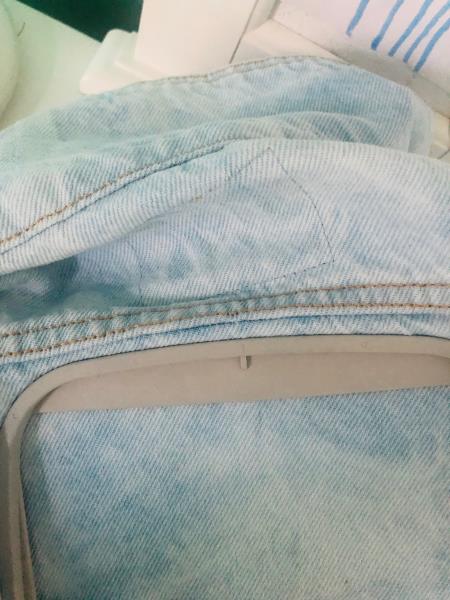
    Place the top hoop over the jacket and secure into the bottom hoop, tighten

    (Click Image to Enlarge)


    Step 5:
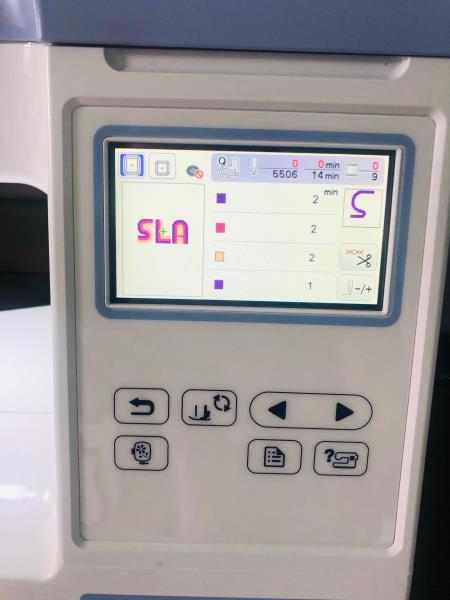
    Attached the hooped jacket to the machine and Turn on the machine and select the combination of letters you need for your project

    (Click Image to Enlarge)


    Step 6:
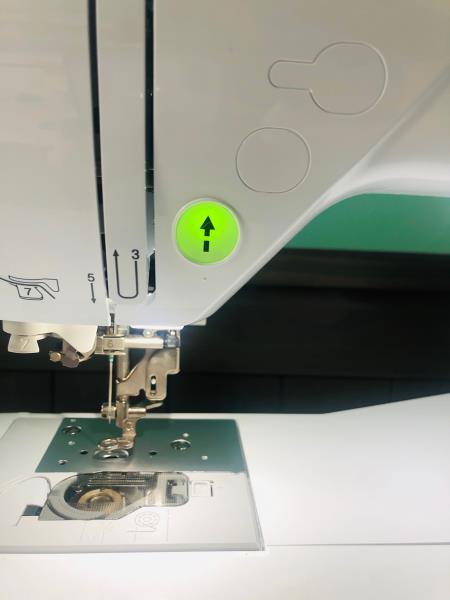
    Once the design is aligned correctly and the lever is down, press the green start button

    (Click Image to Enlarge)


    Step 7:
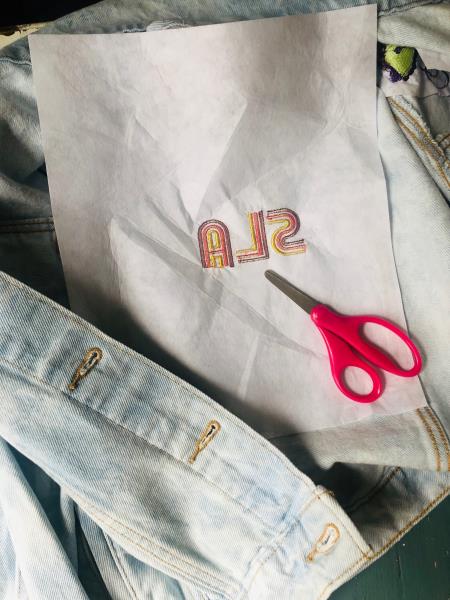
    Change the thread colors as prompted and Once design is completed, remove from hoop and cut away any extra stabilizer.

    (Click Image to Enlarge)


    Step 8:
    Your monogrammed Jacket is ready for use.

    (Click Image to Enlarge)

    Meet the Author: Sew Chic
    Sew Chic
    Embroidery Enthusiast
    More From This Author
    Link is Broken, Please check the URL
    Exclusive Embroidery Offers!
    Copyright © {{ currentDate | date:'yyyy'}} - EmbroideryDesigns.com
    GET 50% OFF! ×