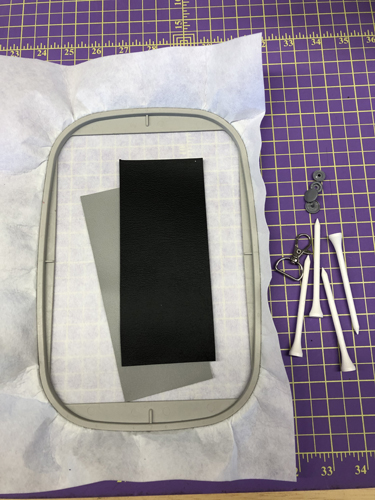
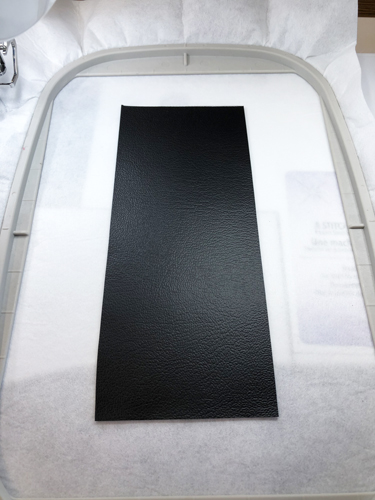
Cut two 2.75” x 6.75” rectangles of marine vinyl. The vinyl can be or two coordinating colors or of the same color. Tautly hoop 2.5 oz cut-away stabilizer in your embroidery hoop.
Step 2:
(Click Image to Enlarge)
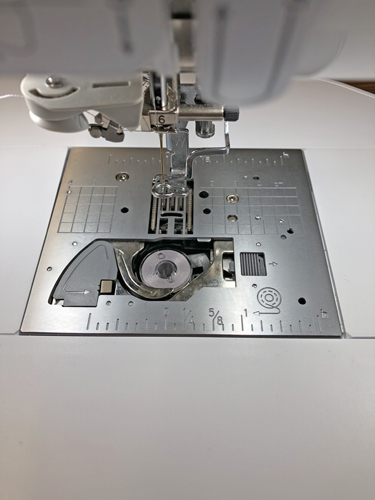
Wind a bobbin with the same color thread that you will use for the top stitching.
Step 3:
(Click Image to Enlarge)
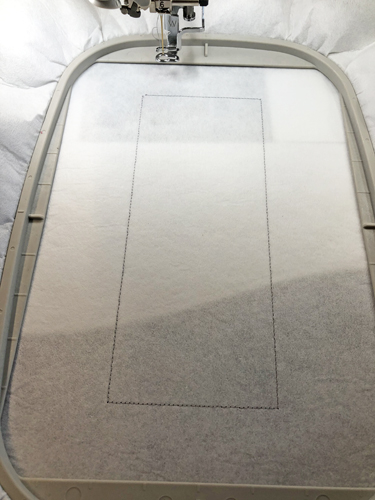
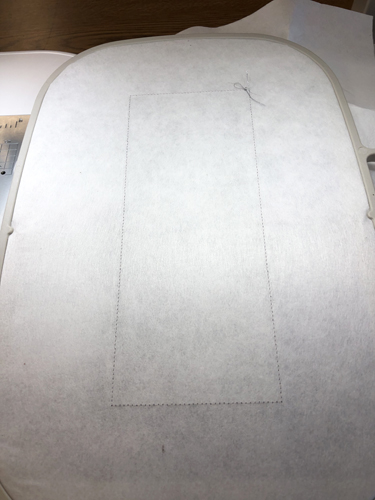
Run the 1st color stop (CS) as a placement line for the vinyl.
Step 4:
(Click Image to Enlarge)
Spray adhesive on the back of your front piece of vinyl and position it inside the placement line.
Step 5:
(Click Image to Enlarge)
For this project both the front and back vinyl are attached to the stabilizer at the same time. Remove your hoop from the machine and place it face down on a flat surface. Spray adhesive on the back of the second piece of vinyl and position it wrong side down inside the placement lines on the back of the hoop.
Step 6:
(Click Image to Enlarge)
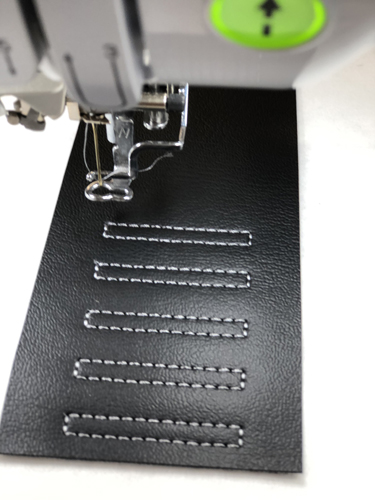
Each of the stitched rectangles that will separate the tees is on its own color change. The design is programed this way so that the bobbin thread can be brought to the top of the work as each rectangle is sewn to provide a neat back to the tee caddy. Return the hoop to the machine and bring the bobbin thread to the top of work as shown in the next step.
Step 7:
(Click Image to Enlarge)
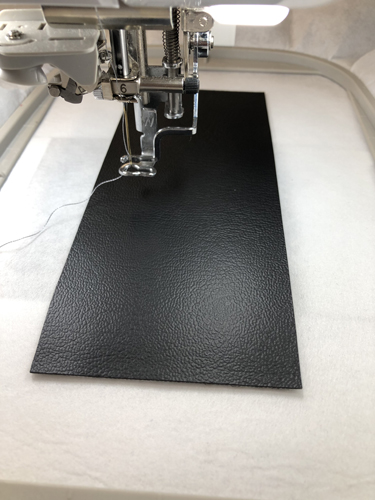
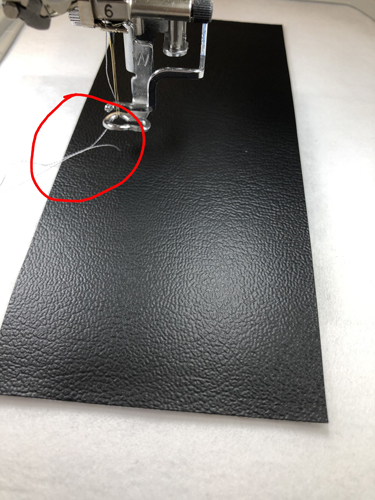
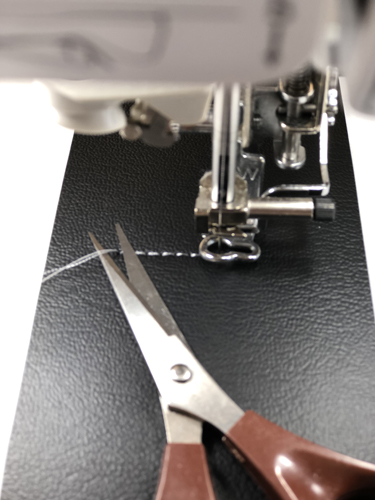
Feed the top thread through the presser foot. While holding onto the top thread press the needle down button on your machine twice. This will pull the bobbin thread to the top of the embroidery work. You may need tweezers to pull the bobbin thread out to the length of the top thread.
Step 8:
(Click Image to Enlarge)
Hold onto both threads and run a few stitches. Stop the machine and trim off those leading thread tails. Start the machine and complete that rectangle.
Step 9:
(Click Image to Enlarge)
Repeat Steps 7 and 8 three times to complete the rectangles.
Step 10:
(Click Image to Enlarge)
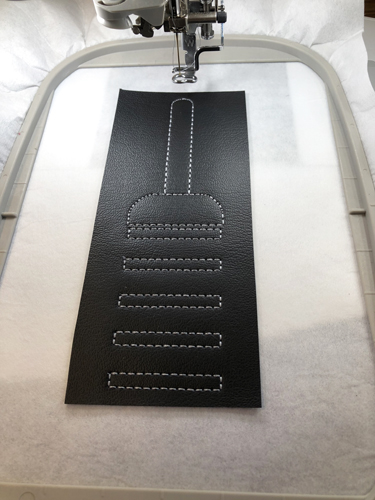
Pull the bobbin thread to the top of your work as before to complete sewing the top of the tee caddy.
Step 11:
(Click Image to Enlarge)
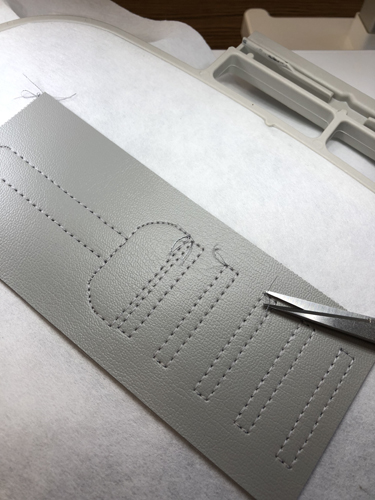
Remove the hoop from the machine. Trim off the tie-off tails from the back of the work. Do not cut off the actual knots.
Step 12:
(Click Image to Enlarge)
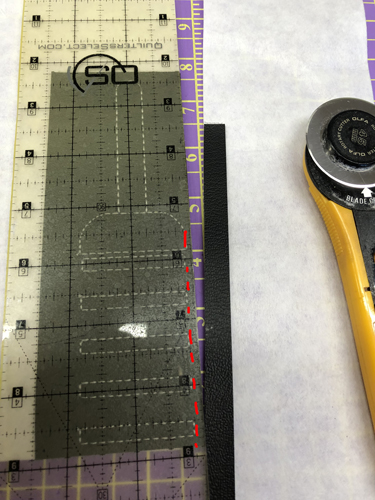
It is easiest to use a see-through ruler and a rotary cutter to get a nice straight edge along the sides and bottom of the tee caddy. Line up the 1/8th” mark of the ruler with the end stitching on the sides of the tee caddy and trim. At the bottom of the tee caddy line up the 1/8” mark of the ruler with the bottom stitching and trim. Trim around the curves at the top of the tee caddy with small sharp scissors approximately 1/8” from the stitching.
Step 13:
(Click Image to Enlarge)
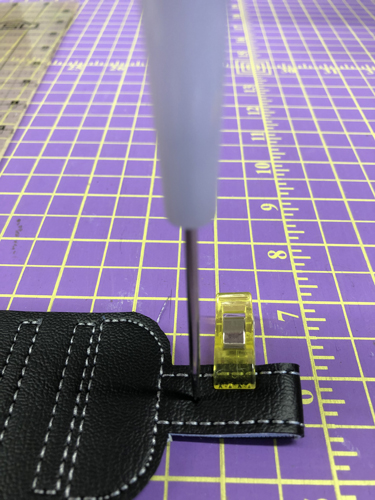
Fold the tab towards the back of the caddy so that the top of the tab meets the bottom of the tab. Push the awl through both sides of the tab about 3/8” from the top of the caddy. This will align the positions for the Kam Snaps®. You will probably need to push the awl through each position individually to make the holes large enough to place the Kam-snap prongs.
Step 14:
(Click Image to Enlarge)
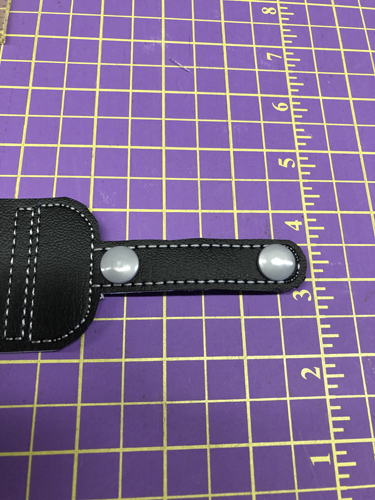
Position the Kam Snaps® so that both prongs go through the holes with the smooth buttons on the front side of the tab.
Step 15:
(Click Image to Enlarge)
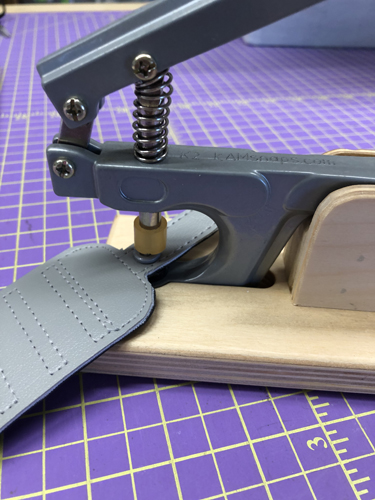
Complete the application of the snaps following the manufacturer’s instructions.
Step 16:
(Click Image to Enlarge)
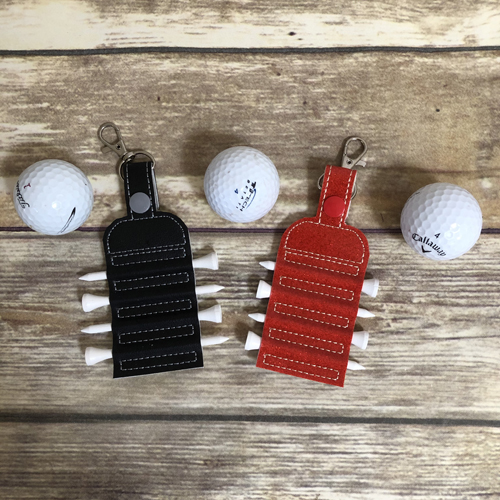
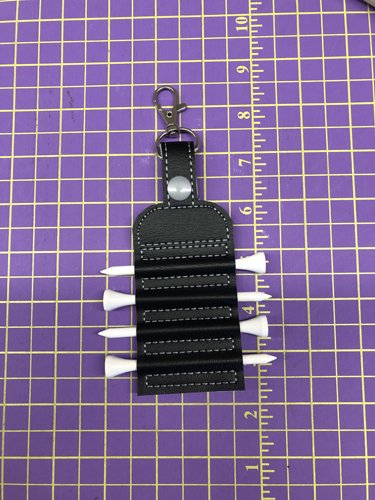
Insert the golf tees between the stitched rectangles.
Step 17:
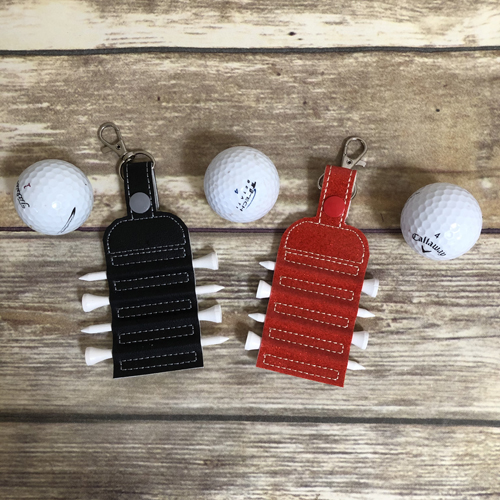
Congratulations your ITH Tee Caddy is done. Make them up in many colors for Father’s and Mother’s Day, stocking stuffers and for your local craft fairs.
Award winning Digitizer, Embroidery Educator, Author and a Consultant to the Industry, Pat Williams has 30 years of experience in the embroidery industry. Pat has won multiple awards for her digitizing expertise including the 2007 Impressions Awards Grand Championship, Best of Show as well as the 1st and 2nd Place Awards. Pat’s love of digitizing has afforded her the opportunity to write numerous articles for Impressions magazine in the United States and Images Magazine in Europe. In 2001 Pat was named “Embroidery Educator of the Year.” For many years Pat taught digitizing seminars at the ISS Shows in Long Beach, CA and for Compucon software. She now resides in Tucson, AZ.