






PROJECT INSTRUCTIONS


PROJECT INSTRUCTIONS

ITH Quilt Labels Embroidery Project
By
Pat Williams
on
June 12, 2026
Description
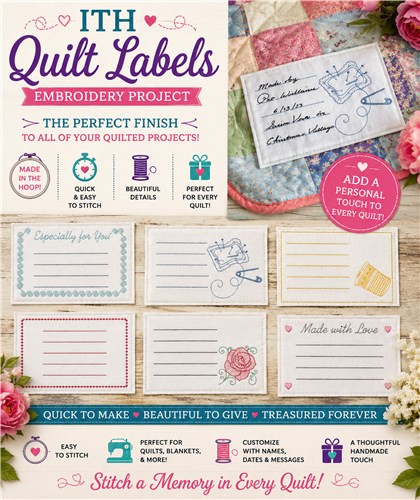
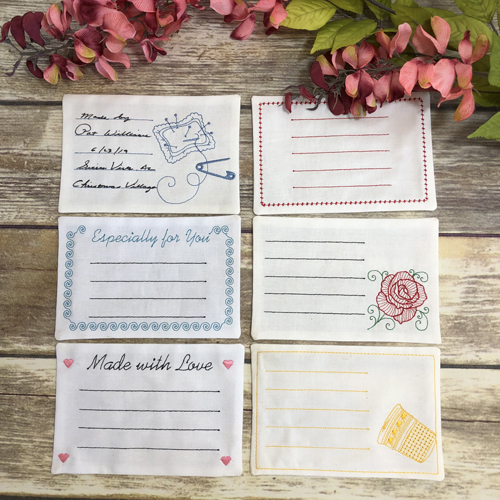
ITH Quilt Labels are quick to make and the perfect finish to all of your quilted projects.
Step
of
Materials
Project Preview Video
QUICK VIEW
ITH Quilt Labels
$35.00
$21.00
Circle Price: $21.00

QUICK VIEW
ITH Quilt Label 6
$11.99
$6.00
Circle Price: $5.85

QUICK VIEW
ITH Quilt Label 1
$11.99
$6.00
Circle Price: $5.85

QUICK VIEW
ITH Quilt Label 2
$11.99
$6.00
Circle Price: $5.85

QUICK VIEW
ITH Quilt Label 3
$11.99
$6.00
Circle Price: $5.85

QUICK VIEW
ITH Quilt Label 4
$11.99
$6.00
Circle Price: $5.85

QUICK VIEW
ITH Quilt Label 5
$11.99
$6.00
Circle Price: $5.85

QUICK VIEW
Cut Away Stabilizer - 2.5 Oz wt.
$8.94
Circle Price: $8.05
{{ item.name }}
{{ item.listPriceDisplay }}{{ item.salePriceDisplay }}
Circle Price:
{{ item.clubPriceDisplay }}


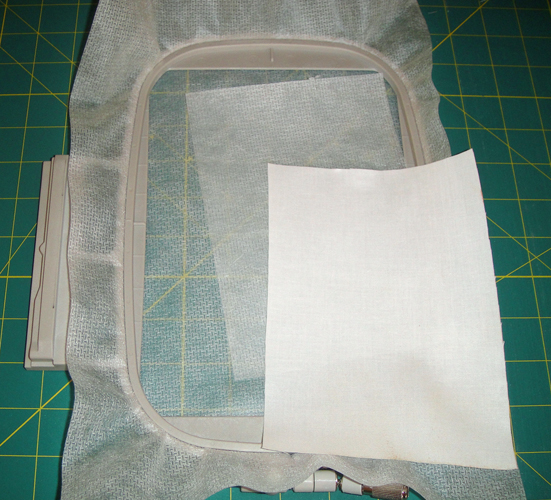
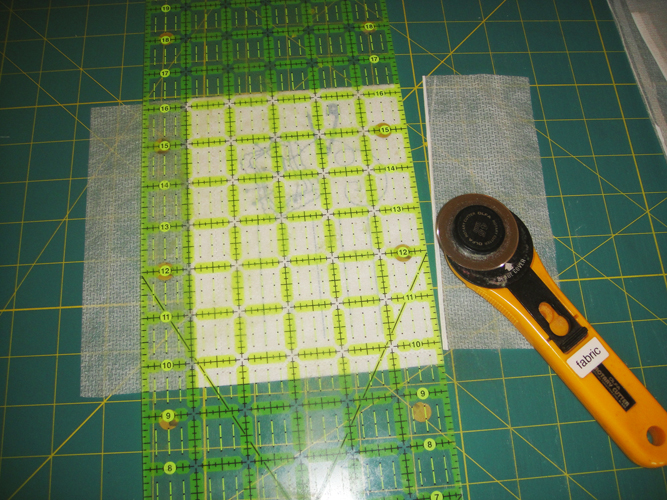
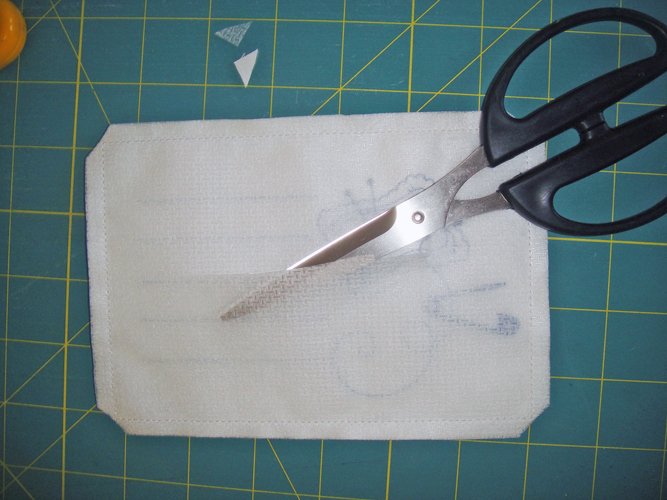
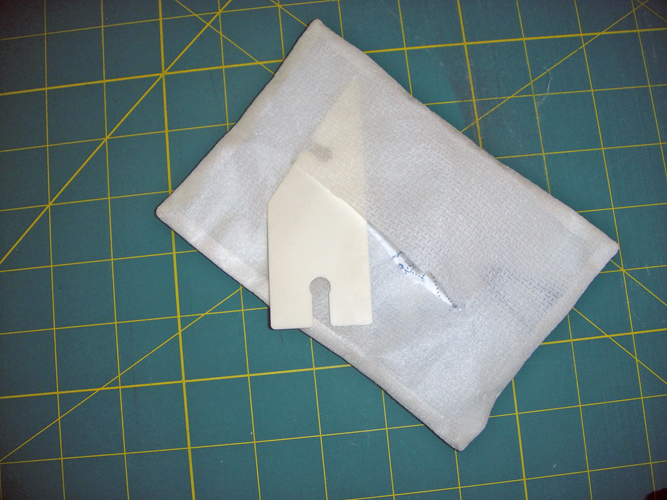
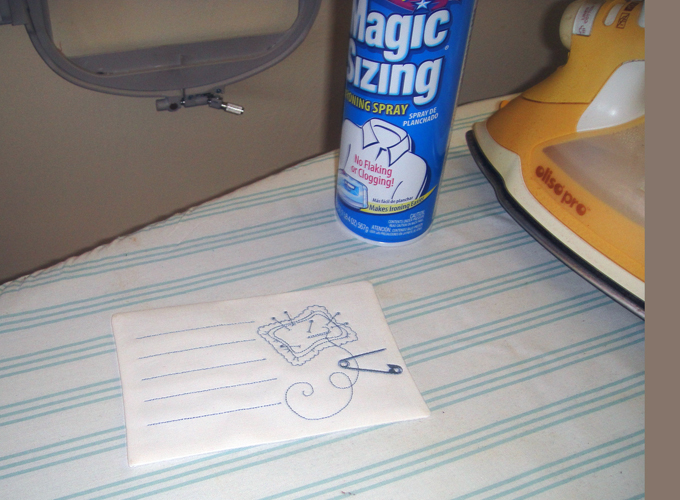
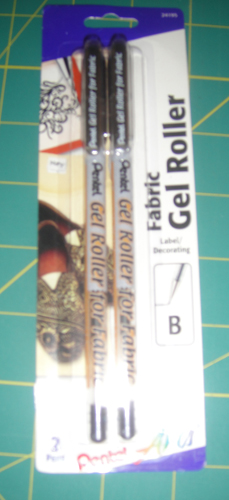
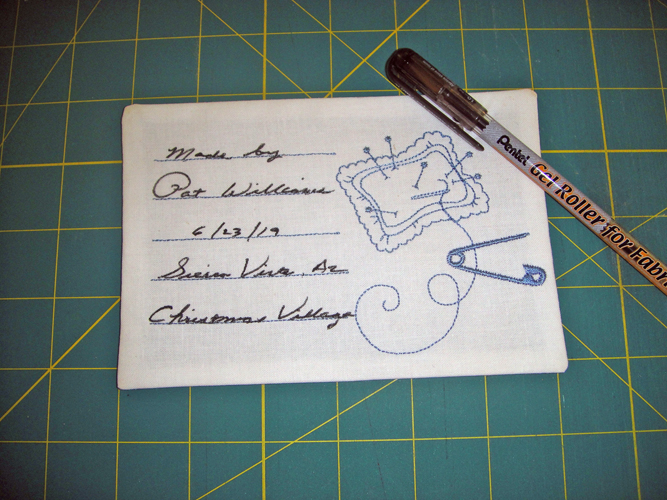
| Materials For each quilt label: 5” x 7” embroidery hoop 6” x 8” rectangle of white Kona® Cloth 6” x 8” rectangle of no show stabilizer No show stabilizer to fit your hoop Pentel Arts® Fabric Gel Roller Spray adhesive Point Turner |
| Designs used in this project |
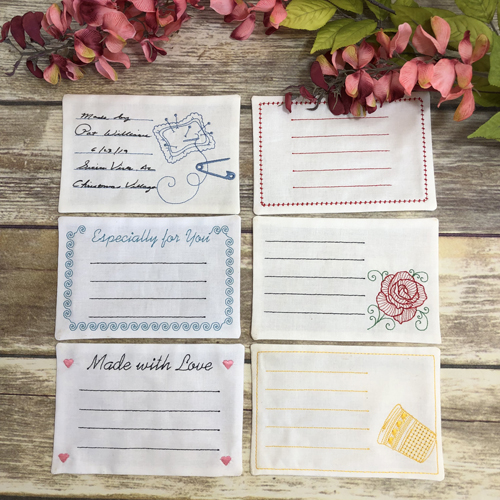
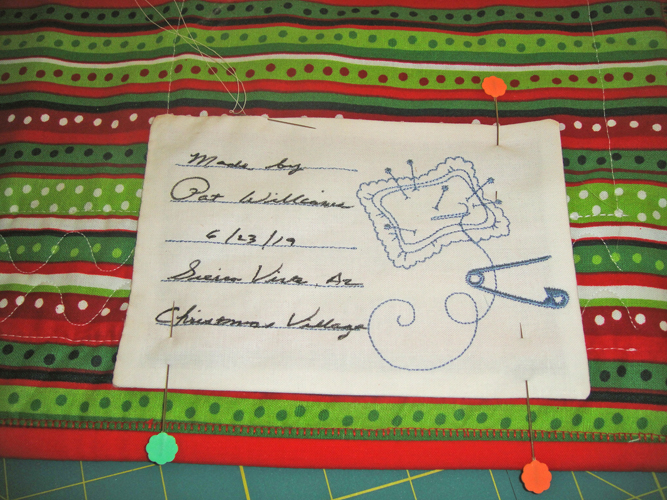
| Final Product: What You Will Create |
 |
|
| For the love of embroidery… Pat Williams |
Projects You May Like
Meet the Author:
Pat Williams

Award winning Digitizer, Embroidery Educator, Author and a Consultant to the Industry, Pat Williams has 30 years of experience in the embroidery industry. Pat has won multiple awards for her digitizing expertise including the 2007 Impressions Awards Grand Championship, Best of Show as well as the 1st and 2nd Place Awards. Pat’s love of digitizing has afforded her the opportunity to write numerous articles for Impressions magazine in the United States and Images Magazine in Europe. In 2001 Pat was named “Embroidery Educator of the Year.” For many years Pat taught digitizing seminars at the ISS Shows in Long Beach, CA and for Compucon software. She now resides in Tucson, AZ.
Feedback
Characters Remaining
Please Login to Submit a Feedback
Invalid Characters, Please enter a valid Comment
Please enter a valid Comment
Reviewed On
Link is Broken, Please check the URL