





PROJECT INSTRUCTIONS


PROJECT INSTRUCTIONS

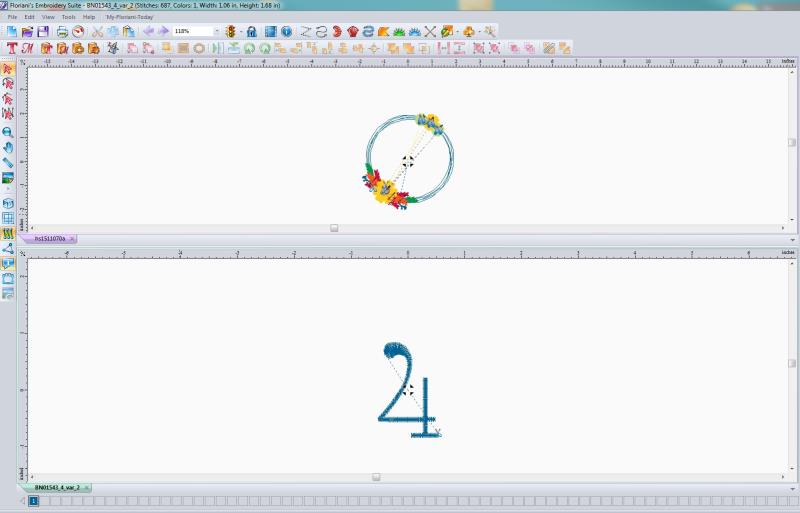
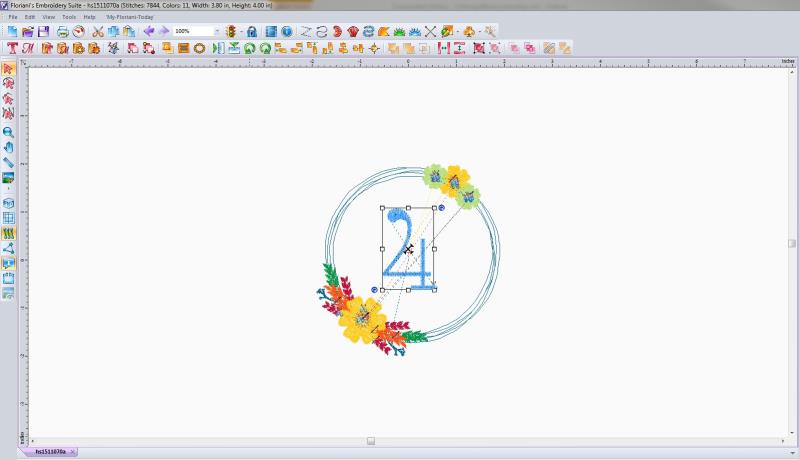
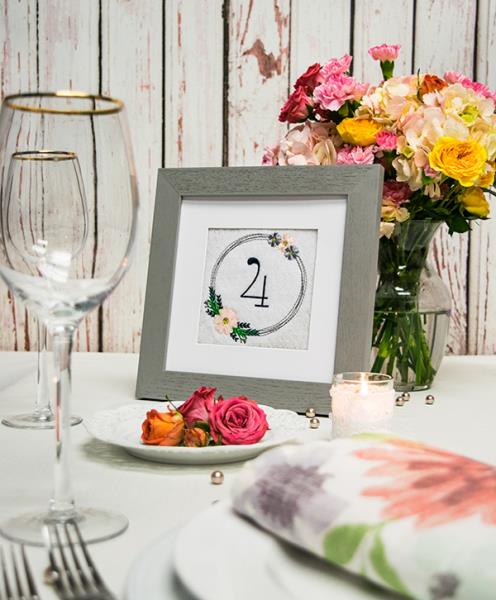
Table Numbers - Applying Fonts Embroidery Project
By
Catherine Oblinger
on
May 18, 2018
Description
Make your own table numbers by adding your favorite font to a cute laurel design.
Step
of
Materials
Project Preview Video

Flower Wreath
$4.14
Circle Price: $3.11

QUICK VIEW
Tear Away Stabilizer
$7.98
Circle Price: $7.18
{{ item.name }}
{{ item.listPriceDisplay }}{{ item.salePriceDisplay }}
Circle Price:
{{ item.clubPriceDisplay }}


| Materials Tear Away Stabilizer Thread Felt |
| Designs used in this project |
| Final Product: What You Will Create |
 |
|
Projects You May Like
Meet the Author:
Catherine Oblinger

Catherine is the Business Manager at EmbroideryDesigns.com! She is relatively new to the embroidery world, but loves learning about the industry and the latest and greatest in designs and techniques!
Feedback
Characters Remaining
Please Login to Submit a Feedback
Invalid Characters, Please enter a valid Comment
Please enter a valid Comment
Reviewed On
Link is Broken, Please check the URL