{{superHeaderAds.title}}
Live Chat
Embroidery Designs
Welcome, Embroiderer
Login
FSL Scrapbook Corners
{{mainImageAlt || (productInfo._source && productInfo._source.name) || ''}}

FSL Scrapbook Corners Embroidery Project

By   Ramona Baird   on   August 04, 2015

PROJECT DETAILS

SKILL LEVEL
Beginner
TIME REQUIRED
06:00
Description

Have fun adding depth and texture to scrapbook pages by stitching up some FSL picture corners.

Project Preview Video

Materials
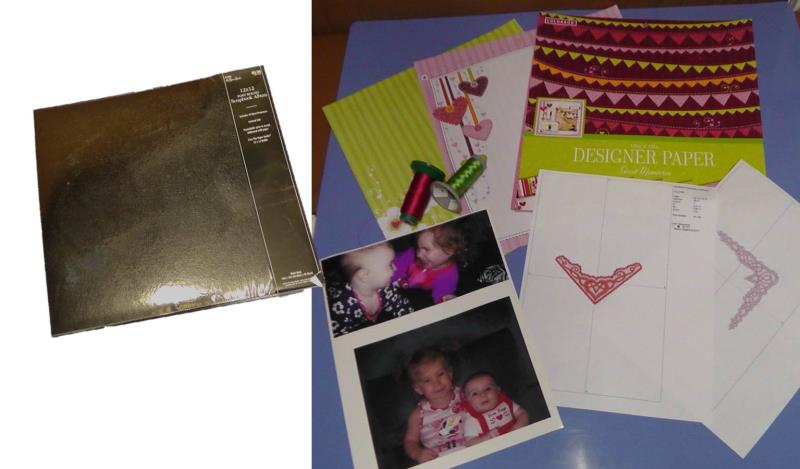
  • Scrapbook album
  • Photographs (use photo printer paper and print your own, or use old photos stored away)
  • Scrapbook paper to fit album pages
  • Embroidery thread to coordinate with paper and photos
  • Heavy water soluble stabilizer
  • Glue to secure the photos to the paper and the FSL corners to the photos (rubber cement was used for the project)

  • Designs used in this project

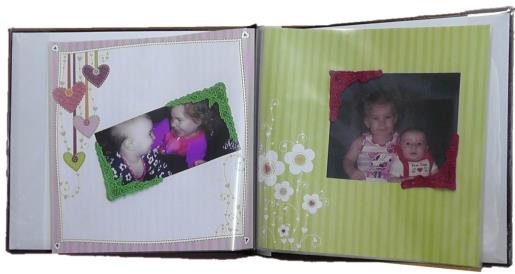
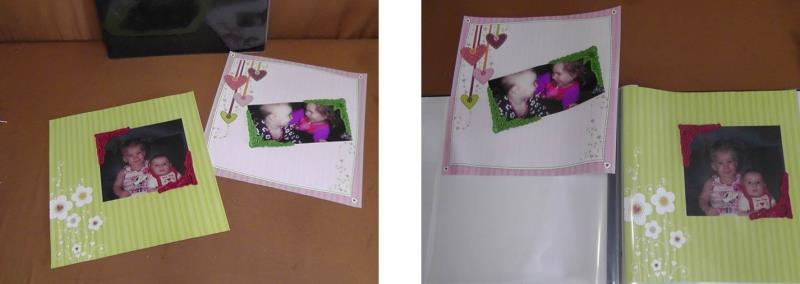
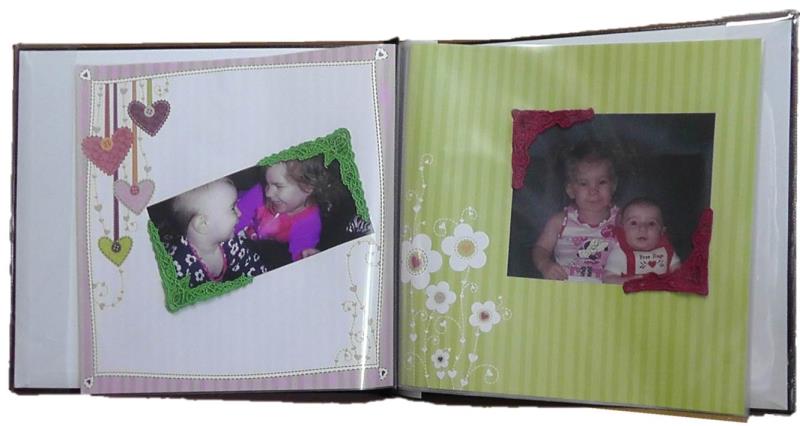
    Final Product: What You Will Create

    Preface:
    This is a fun project for a weekend. Part of the time stated to do the project includes time for sorting through photographs on the computer and printing them out. After deciding on the photographs, shop for scrapbooking papers in sheets or tablets like was used for this project. Add two FSL corners to each photo on opposite corners, or if a larger photograph is used, stitch additional corners there is a FSL corner at each corner of the photo. Add typed or freehand text and other mementos to each page to finish the look and create lasting memories.


    Step 1:
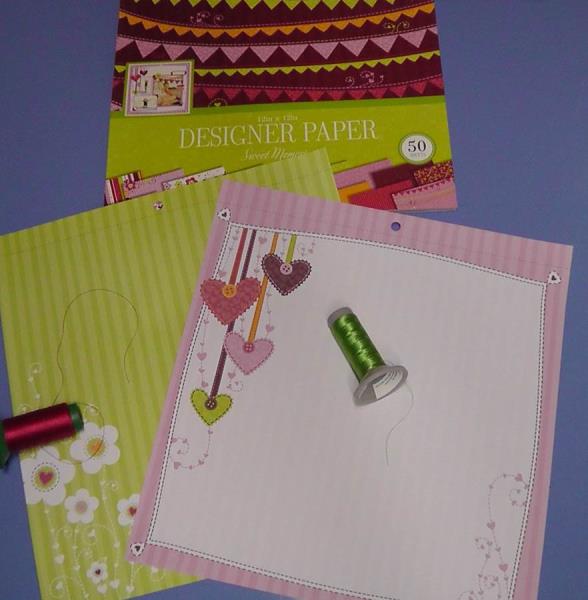
    Gather the materials and read through the instructions before beginning. Print templates of the embroidery designs. Shop for an album and scrapbook papers and craft stores or specialty scrapbook retailers. 

    (Click Image to Enlarge)


    Step 2:
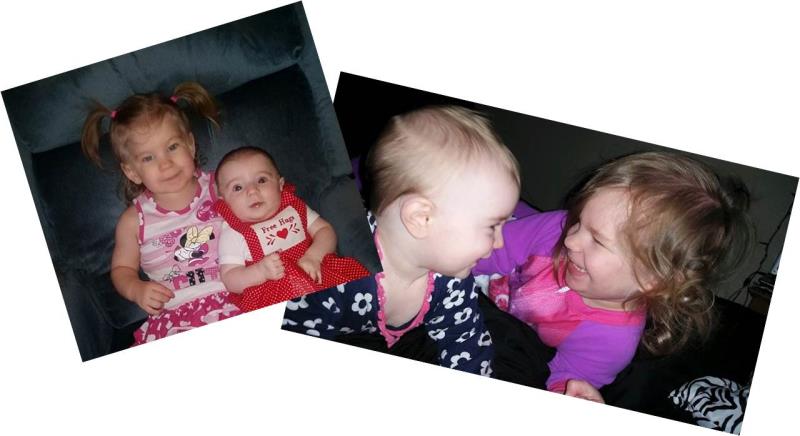
    Go through photographs tucked away in old shoe boxes, or go through your computer and select the images to be printed on photo printer paper. If doing the latter, follow both the printer and product instructions for printing photos. For this project, photos were printed using photo printer paper.

    (Click Image to Enlarge)


    Step 3:
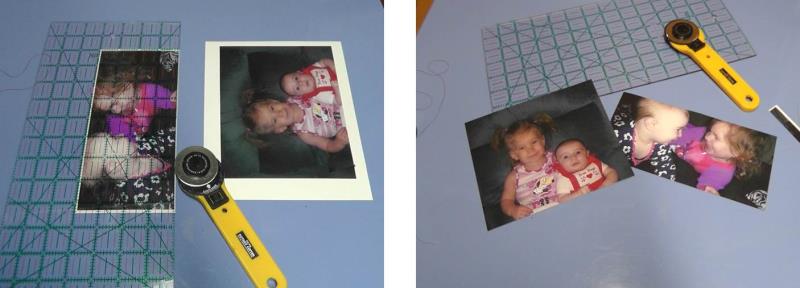
    Let any ink dry thoroughly before proceeding with cutting the photos to size. You may either leave borders around the images or cut the photos without borders which is what was done for the project.

    (Click Image to Enlarge)


    Step 4:
    Choose scrapbook papers that will go with the theme of the photos and coordinate with the colors in the photos. Also choose embroidery threads that will do the same.

    (Click Image to Enlarge)


    Step 5:
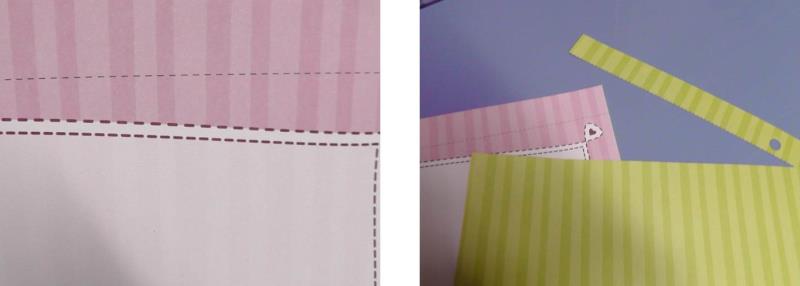
    If the papers come in tablet form, remove the paper carefully from the tablet and then use a rotary cutter and ruler to cut off along the dotted line to remove the upper area of the paper as shown.

    (Click Image to Enlarge)


    Step 6:
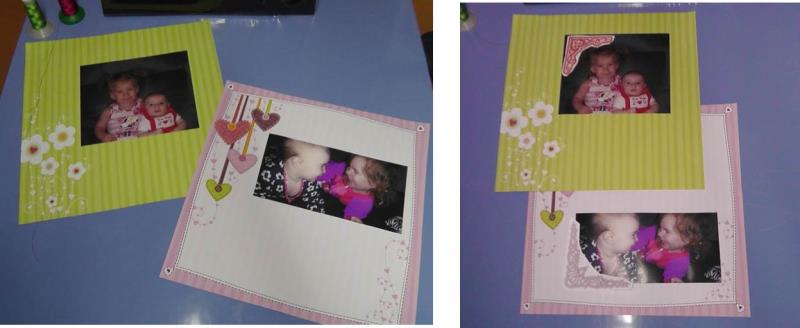
    Play around with the placement of the photos on the decorative paper then determine if you’d like two or four FSL corners around each photo by using the paper templates of the FSL design.

    (Click Image to Enlarge)


    Step 7:
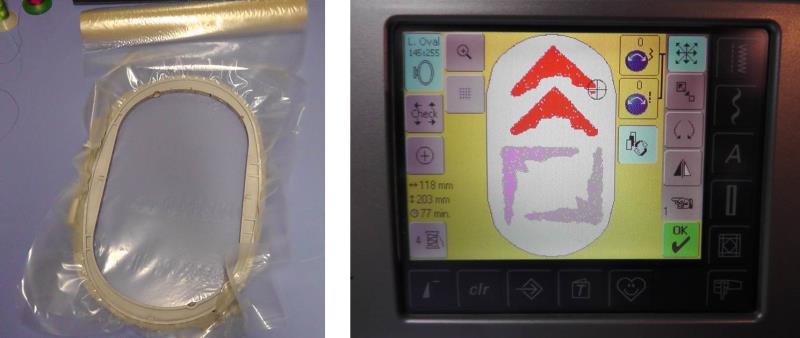
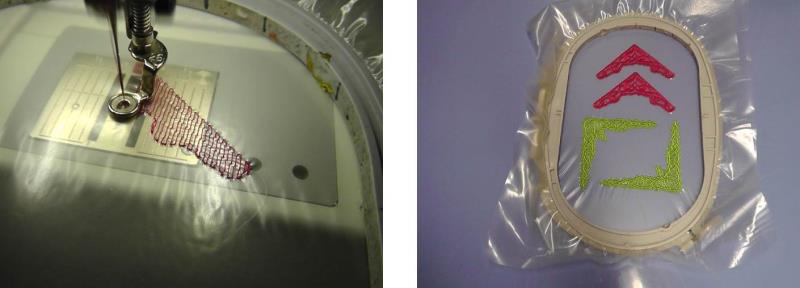
    Hoop one or two layers of the heavy water soluble stabilizer. Load the FSL corners designs on the machine. Depending on the hoop size, two or more corners may be able to be stitched in one hooping. If this is done, be sure to leave ample room between the designs. 

    (Click Image to Enlarge)


    Step 8:
    Stitch the designs using the chosen embroidery thread colors.

    (Click Image to Enlarge)


    Step 9:
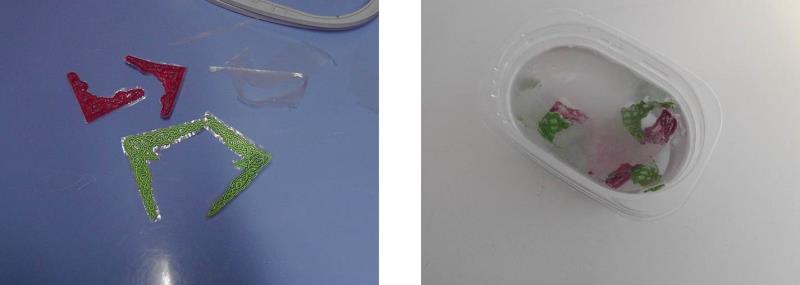
    After the designs finish stitching, remove the stabilizer from the hoop and trim away the excess stabilizer from around the designs. Follow the manufacturer’s directions for soaking the stabilizer away in water.

    (Click Image to Enlarge)


    Step 10:
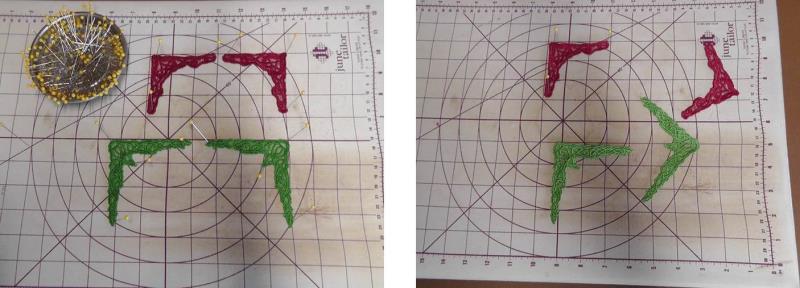
    Block the designs on a board by pinning them squarely and allowing them to dry. Once dry, remove the pins and then it is time to create the pages.

    (Click Image to Enlarge)


    Step 11:
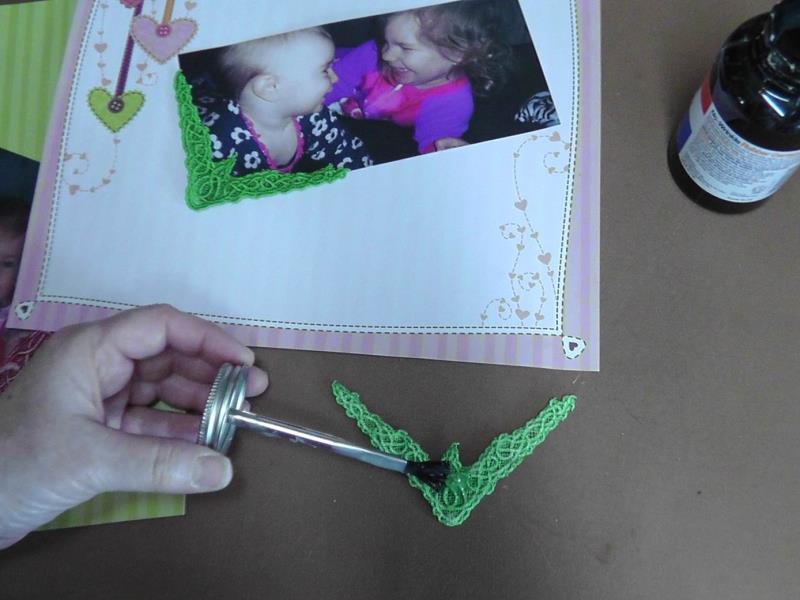
    Glue the photographs in place and then place a small amount of glue on the back side of each corner and position it as planned at the corner of the photos.

    (Click Image to Enlarge)


    Step 12:
    Let the glue dry thoroughly. Add any additional trims or writing and then slip the pages into the album.

    (Click Image to Enlarge)


    Step 13:
    Congratulations on create keepsakes scrapbook pages using FSL Corners.

    (Click Image to Enlarge)

    Meet the Author: Ramona Baird
    Ramona Baird
    Ramona Baird has been in the embroidery industry for over 23 years. She and her husband owned a commercial and retail embroidery store in Arizona for many years. She is an experienced digitizer having been mentored by award-winners Pat Williams and Lindee Goodall. Ramona is a contributor to “Creative Machine Embroidery” magazine having 5 covers to her credit. Ramona has worked for Wilcom America and served many years as Education Director for the American Sewing Guild. With a degree in fashion design, she is able to design and execute patterns which Pat Williams says are “out of the box” in creativity and application. Ramona likes to challenge the boundaries of embroidery and bring new and exciting designs, ideas, and projects to EmbroideryDesigns.com. She wants embroiderers of all levels to increase their skills and enjoyment in using their embroidery machine for gift-making and personal pleasure.
    More From This Author
    Link is Broken, Please check the URL
    Exclusive Embroidery Offers!
    Copyright © {{ currentDate | date:'yyyy'}} - EmbroideryDesigns.com
    GET 50% OFF! ×